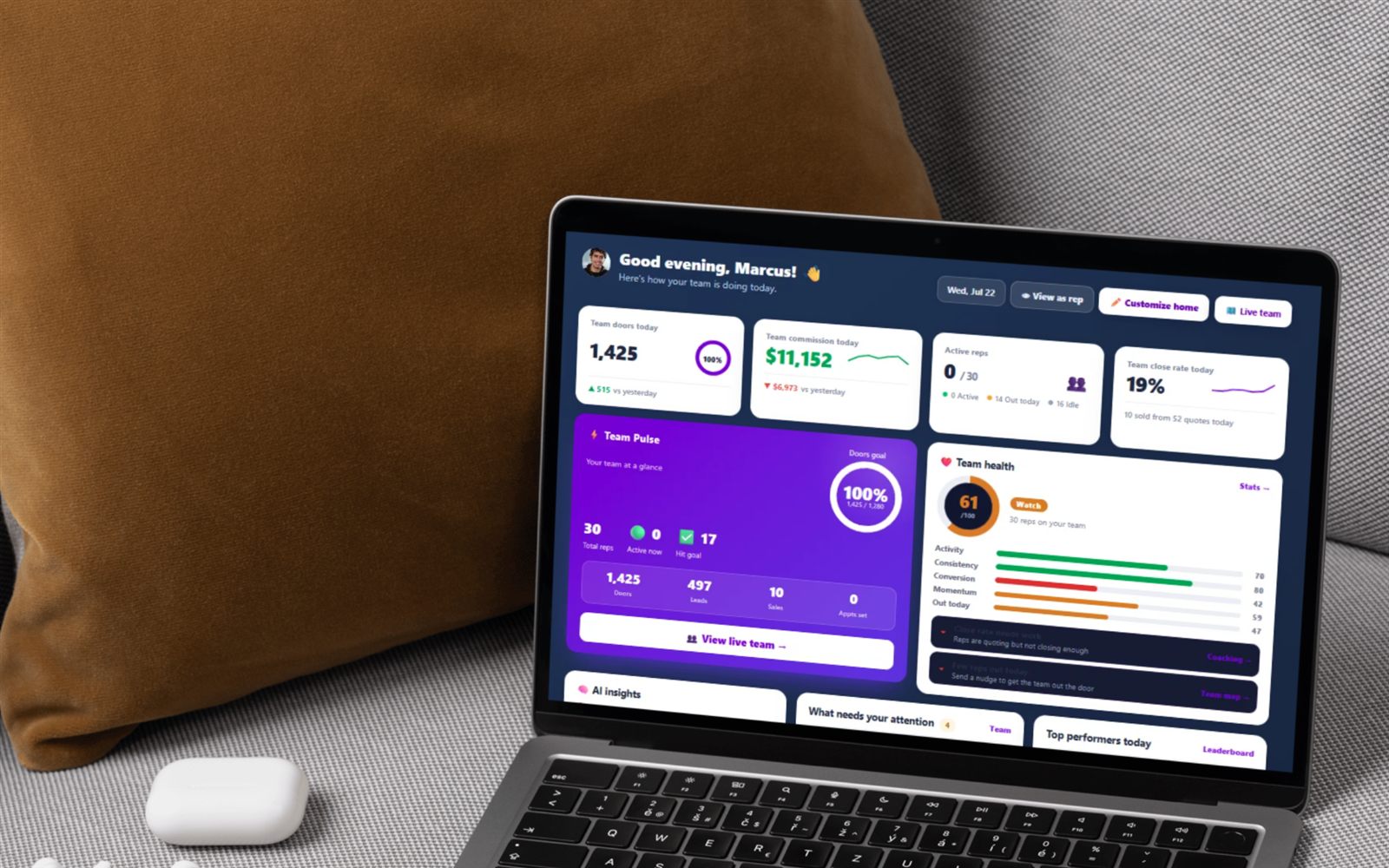
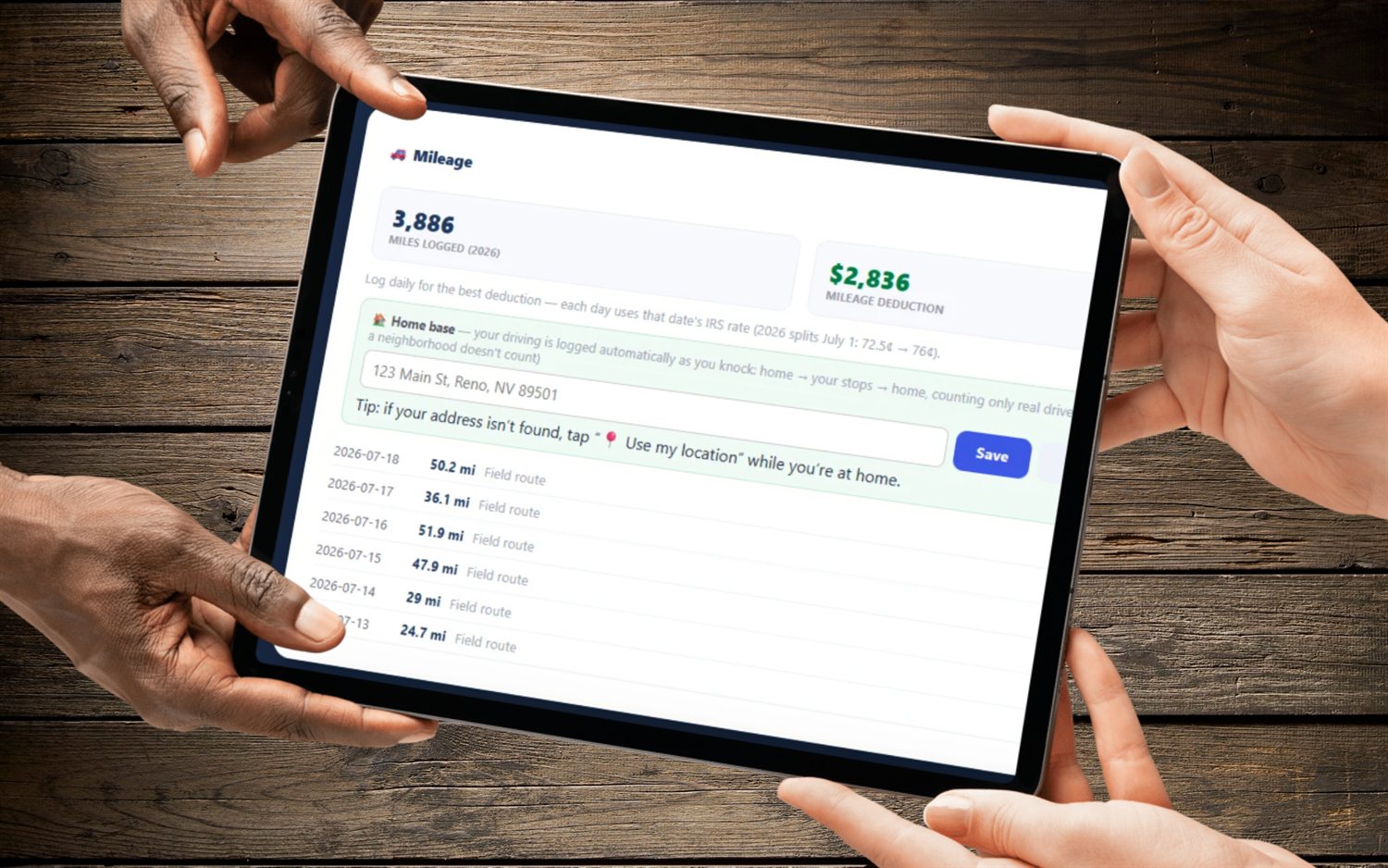
Every rep on your team, every earned commission and spiff for the year, each with a paid/unpaid switch. Stop paying twice, stop forgetting a spiff, stop rebuilding payroll from memory.
Flat month-to-month from $30/mo · 14-day free trial · no seat minimums, no annual contract
Paying 1099 door-to-door reps is not complicated math. It is bookkeeping under pressure. A rep installs on the 12th, gets charged back on the 20th, wins a $100 spiff on the 27th, and asks you on the 30th whether the Henderson deal was in last week's money. Multiply that by twelve reps and a full year of deals, and the thing that breaks is not your commission formula — it is your memory of what you have already handed over.
That is the only job the Payroll page has, and it does it with one switch per line.
You and every rep on your team, one year at a time, sorted so the person you owe the most sits at the top.
Each commission and each bonus carries its own pill: "Mark paid" until you pay it, "✓ Paid" after. Tap a paid one to undo it — this is a ledger you can correct, not a one-way door. Hovering a paid pill shows the date it was marked.
An amount plus a short note — "weekly spiff", "contest prize" — added straight to that rep's row with its own paid/unpaid state. It also shows on the rep's own finances, so they can see it landed.
A green ✓ Pay all button on a rep's row marks every outstanding commission and bonus for that rep, that year, as paid — after a confirmation — and tells you how many items it flipped.
Three team-wide numbers for the year across the top, plus Total / Paid / Owed chips on every rep row. The number you actually care about — Outstanding — is never more than a glance away.
Trim the roster to just the reps with a balance. When everyone is square for the year, the page tells you so instead of making you scroll a wall of zeros.
Pick the current year or any of the previous three. Commissions bucket by install date, bonuses by the date they were added — and each rep's year and dates are computed in their timezone, so a December 31st install does not land in the wrong tax year.
FieldStacker stores two different facts about the same deal, in two different places, because managers and reps are asking two different questions.
There is one place the two do touch, and it is a guardrail: once a commission is marked paid, that deal's install can no longer be undone in the app. Whoever tries is told the commission has already been paid out and to ask their manager. A paid deal has stopped being a mis-tap and started being bookkeeping.
Three moves, and none of them involve a spreadsheet.
It sits on the Team page as "Pay commissions & bonuses". Pick the year. The roster loads with the most-owed rep first and your own row pinned to the top — a manager who sells earns commissions too.
Drop in this week's spiff with a note so it is on the record. Then flip each commission and bonus to paid as you actually send the money — or hit ✓ Pay all to clear one rep's whole outstanding balance at once.
Switch to "Owed only". If it comes back empty you are square for the year, and the page says so. That is the whole close-out.
Every line below is a real boundary in the shipped page, not a roadmap tease. Read it before you switch.
Payroll is the manager's half. The rep's half is already in the same app on their $30/mo seat: real per-deal commission, chargebacks that net against the total, auto-mileage at the IRS rate, and a quarterly 1099 tax set-aside. Bonuses you hand out on Payroll show up there as income, so nobody has to chase a screenshot to find out what they earned.
That is exactly why the two ledgers stay separate instead of collapsing into one number: the rep owns their earnings record, you own the payout record, and neither of you can quietly rewrite the other's.
SalesRabbit and SPOTIO are strong field-sales platforms, and if you need enterprise territory management at scale they deserve a look. Their commission story tends to end at reporting, though: they will show you production, and the "did I actually pay this rep for this deal" record goes back to a spreadsheet or an accounting tool. Neither publishes comparable pricing reliably, so check their sites for current numbers rather than trusting a figure on a competitor's page — including this one.
FieldStacker's bet is narrower and cheaper: flat published pricing from $30/mo for a rep, $60/mo for a Sales Manager, and $250/mo for Team Management Pro with 10 seats on one bill. Month-to-month, with a 14-day free trial that does not ask for a card, no seat minimums and no annual contract. The payout ledger is not an add-on module — it is one page inside the team layer you already have.
If you sell alarms, the same backend runs under FieldStacker Security, our alarm edition, so payroll works identically there.
It is a manager-side payout ledger. Payroll lists you and every rep on your team for one year, and under each name it shows two tables: Commissions · verified installs (customer, install date, the final commission after any chargeback) and Bonuses & spiffs (note, date added, amount). Every single line has a pill that reads "Mark paid" or "✓ Paid," and tapping it flips the state. Above the roster you get three numbers for the whole team — Total payroll, Paid out, Outstanding — and each rep row carries its own Total / Paid / Owed chips. A deal that got charged back shows a red "CB" tag on the line, and because a chargeback can exceed the commission, an individual line and a rep's owed total can both go negative.
Because they answer two different questions. The rep's commission screen answers "is my number right?" — the rep records the amount the dealer actually paid on a deal and settles it, which locks the figure in and moves the account onto their commission history. Your payroll ledger answers "have I actually handed that money over yet?" Those are stored as two separate timestamps on purpose: the rep's settle marker, and the manager's paid-out marker. Marking a commission paid on Payroll writes only that disbursement marker — it does not change the rep's own totals, does not edit their commission and does not touch chargebacks. That separation is the whole point: a rep can be finished reconciling a deal weeks before you cut the check, and you need a record of the gap. Without it, "did I already pay Marcus for the Henderson install?" is a question you answer from memory or a spreadsheet.
Yes. Each rep row shows a green ✓ Pay all button whenever they have an outstanding balance. It asks you to confirm, then marks every still-unpaid commission and every still-unpaid bonus for that rep, in the year you are viewing, as paid — and reports back how many items it flipped ("Marked 7 items paid"). It runs server-side over that rep's actual outstanding lines, so it never re-touches anything already paid, and if nothing is outstanding it tells you so instead of doing anything. It is scoped to one rep at a time; there is no "pay the entire team" button.
Yes. Under each rep is a small form: a dollar amount and a short note of up to 200 characters — the placeholder literally suggests "weekly spiff". Submitting it adds the bonus to that rep's Bonuses & spiffs table with its own paid/unpaid pill, and it also appears on the rep's own finances so they can see it landed. Two rules worth knowing: a manager cannot award a bonus to themselves, so the form is not shown on your own row. And a bonus is a discrete amount you decide, separate from the recurring override you earn on your team's production.
No — Payroll is a tracker rather than a payroll processor. You pay your 1099 reps however you already pay them, then come back and mark the lines paid: direct deposit, ACH, check printing, 1099-NEC filing and tax withholding all sit outside it, and there is no CSV export on the page today. What it gives you is the ledger: who is owed what, what you have already paid this year, and a timestamped record of when each item was marked paid. One real consequence to know about: once a commission is marked paid, that deal's install can no longer be undone in the app — whoever tries is told the commission has already been paid out and to ask their manager.
Payroll is part of the team layer, so it needs a manager plan — Sales Manager at $60/mo, or Team Management Pro at $250/mo, which carries the manager account plus 10 assignable seats on one bill. It also checks that you are genuinely a manager: you either own a team or have reps reporting to you. Who appears on your roster follows the same rule as the rest of the team tools — a team owner sees everyone sharing their team code, and a sub-manager sees their own direct reports, so a sub-manager can run their own crew's payroll without seeing the rest of the org. Every action re-checks that the rep you are acting on is actually yours. One exclusion: generic canvassing-only accounts have no quoting and no commissions, so Payroll does not apply to them.
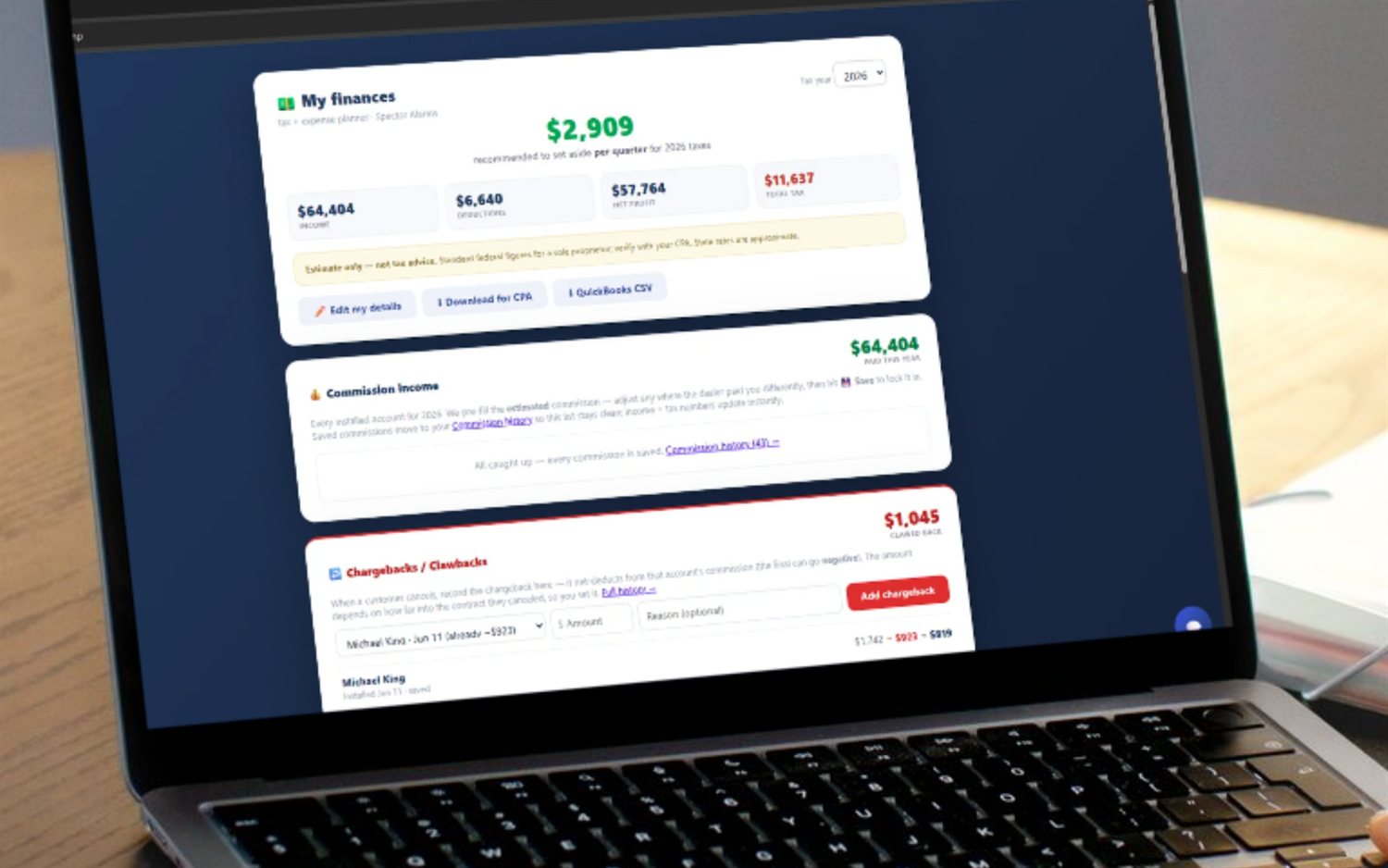
Payroll is one screen in a bigger manager layer — teams, seats, reporting lines, overrides and install verification all live on the hub page.
Door-to-door sales team management software →
Territory software · Lead distribution · Team GPS map · Leaderboard · Coaching · Recruiting · How to assign territories · Managing a team
Start a 14-day free trial — no credit card — and close out your first payroll this week. Flat month-to-month, cancel anytime.