Let customers reschedule and book cleans1:09
Your customer gets their own plan page to move the next clean, book the next visits and see their history — no phone tag.
Weekly, every two weeks, every four weeks, monthly. Put each client on their cadence once and the visits keep landing on the right cleaner's day, with reminders, without you rebuilding next month.
14-day free trial · no credit card · from $30/mo · cleaners ride along free
A cleaning schedule is not a list of appointments. It is a pattern: the Hendersons every other Tuesday morning, the rental between guests, the office every Thursday at 7. Paper calendars and generic booking apps treat each of those as a fresh appointment, so the owner ends up copying next month's visits by hand and hoping nobody gets double-booked when a cleaner calls in sick.
Cleaning service scheduling software should hold the pattern for you. In FieldStacker the pattern is a service plan. You set it once, and each visit shows up on the board as its own job and invoice, three weeks ahead, assigned to a cleaner and ready to move if the week changes.
The parts of scheduling you do now by text and memory.
Weekly, every 2 weeks, every 4 weeks, monthly, every 6 weeks, every 2 months, quarterly, twice a year and yearly, plus one-time cleans.
Weekly clients can pay less per visit than monthly ones. Set the discount once and it comes off the quote automatically.
Cleaners down the side, days across the top. Switch to Day for today's run or Map to see where the cleans are.
Move a clean to Friday or to another cleaner. Google Calendar follows, and so does the client's invite.
Plan clients get a page to choose dates and a morning or afternoon window, move a visit or cancel.
Put a cleaner's day in the best driving order, update arrival times, and let the clients know.
Send us your client list and current schedule. We import your customers and jobs for free.
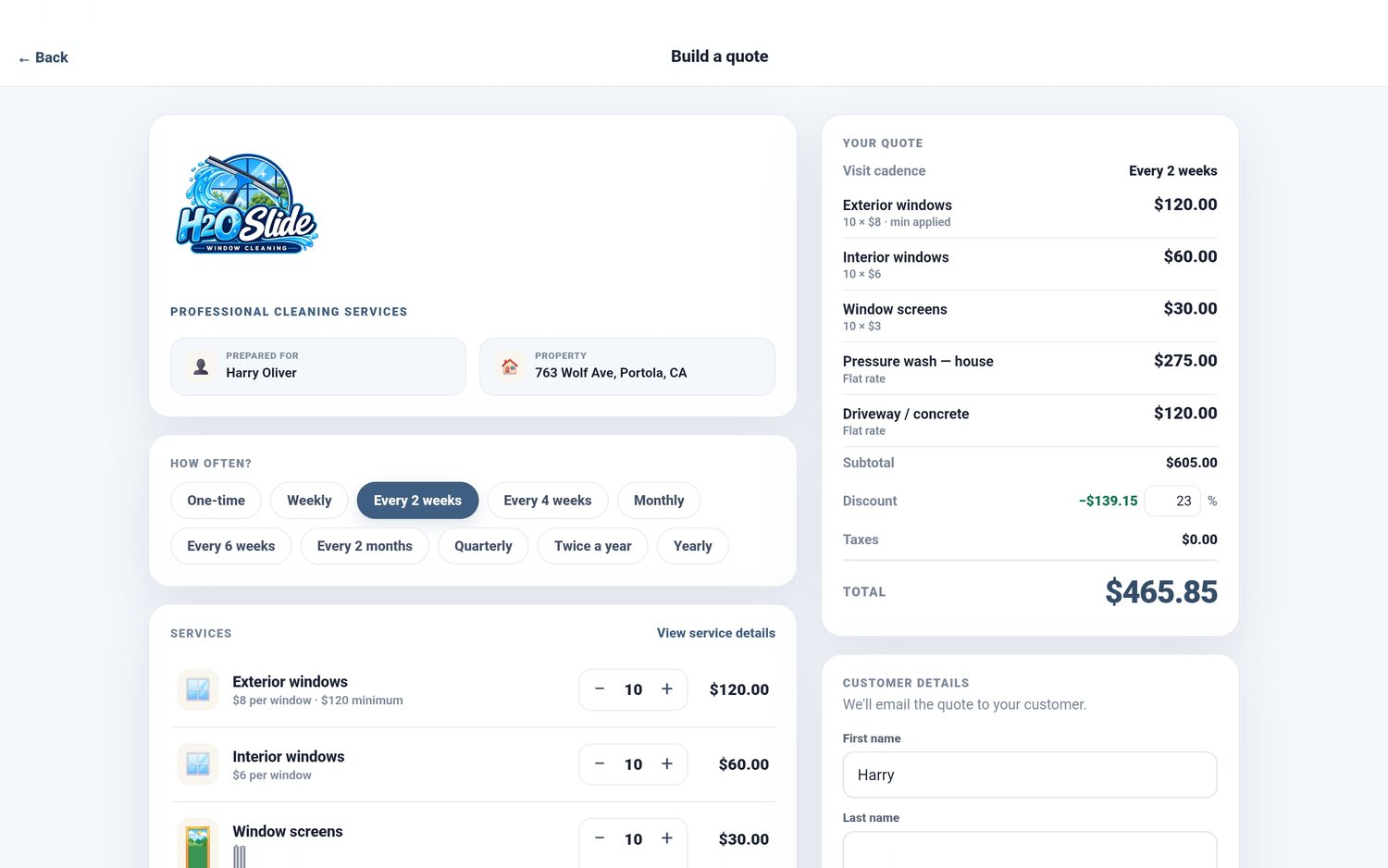
The schedule starts at the quote. When you or the client builds a quote, the first question is how often. Choose every two weeks and the discount you set for biweekly comes off, the price per visit shows on the quote, and the plan starts when they say yes. A one-time deep clean stays a single job, and you can turn it into a plan later from the finished job.
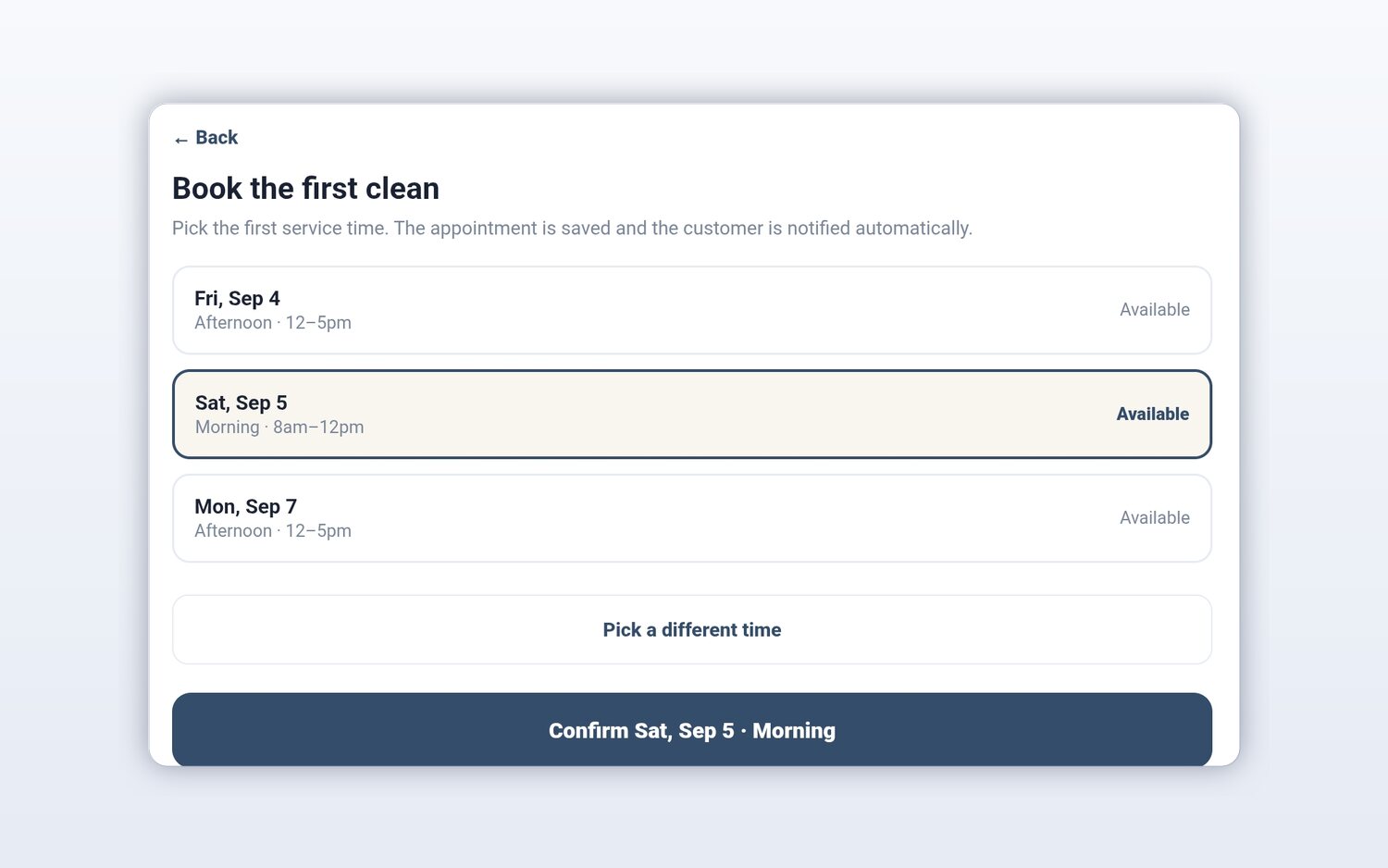
Booking the first clean is where most back-and-forth happens. FieldStacker offers a few open dates with arrival windows, like Saturday morning 8 to 12 or Monday afternoon 12 to 5, and the client picks one. The appointment is saved and the client is notified. Bookings made online by clients land on your board as unconfirmed, so you stay in control of who goes where.
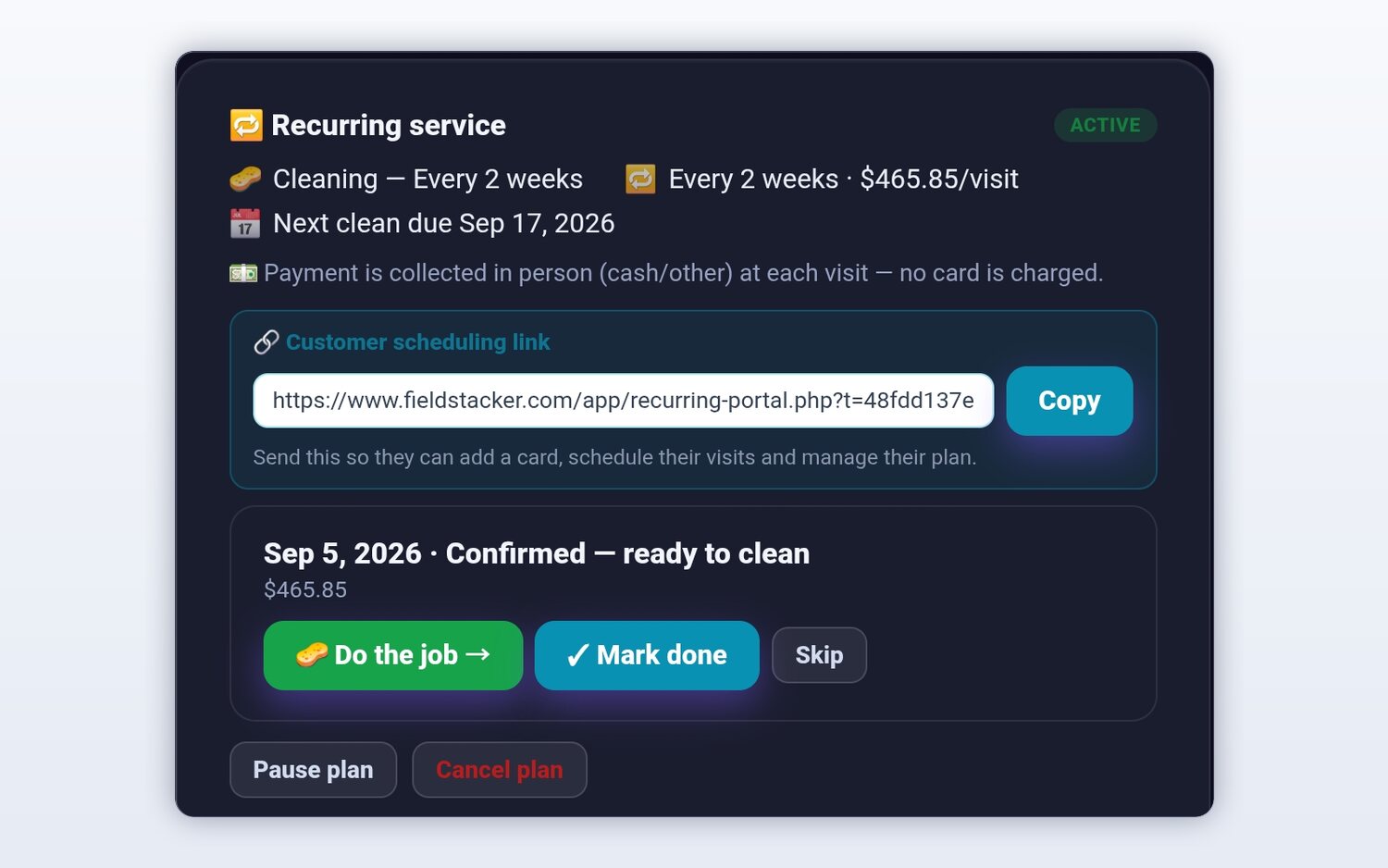
Regulars go on vacation, have family in town, or want the clean moved because of a party. On their plan you can skip a visit, pause the plan or cancel it, and the client can do the same from their own page. When a cleaner finishes a visit and the next one isn't booked yet, the job screen asks for the next date and time of day, so the plan never quietly runs out.
How a normal week runs once the plans are in.
Week view shows every cleaner's hours. Spot the light day, drag a clean onto it, and the client's invite updates.
Day routes put each cleaner's stops in driving order and update arrival times. The Map view shows the crew.
With the texting add-on, one tap texts the client that the cleaner is coming, with a GPS-based ETA and tracking link.
The cleaner marks it done, the saved card is charged, and the next visit is already on the board.
Cleaners clock in and out on the same phone, so you get timesheets and a payroll email of hours at the end of the week. FieldStacker does not run payroll; it gives you the hours to send to whoever does. If you want to compare how Jobber handles cleaning schedules, see our Jobber comparison for cleaners.
The one that handles recurring visits without you rebuilding the calendar every month. Look for cadences like every two and every four weeks, a board that shows every cleaner at once, client self-booking, and reminders that go out on their own. FieldStacker does all four from $30/mo, with cleaners free.
Yes. Clients see your real open times and book on your website or your digital card page. Clients on a plan get their own page where they pick up to three upcoming dates and a time of day, and each one lands on your board for you to confirm.
Every 4 weeks keeps the client on the same weekday and comes to 13 visits a year. Monthly keeps the same date, like the 26th, and comes to 12. FieldStacker offers both, and you can set a different discount for each cadence.
Yes. Cleaners you add as technicians are free. They see their own day on their phone, open each job with its notes and checklist, and mark it done, which can charge the client's saved card.
Yes. FieldStacker owns the schedule and Google Calendar mirrors it. When you drag a clean to another day, the client's calendar invite moves too.
Reminder emails go out the day before and two hours before each visit. With the texting add-on ($15/mo for 600 texts from your own business number), a cleaner can also send one-tap on-my-way texts with an ETA and a live tracking link.
Related: cleaning business software · maid service teams · house cleaning · free scheduling options · pricing
Short, real walk-throughs — no sign-up needed to watch.
Your customer gets their own plan page to move the next clean, book the next visits and see their history — no phone tag.
14-day free trial, no credit card. Your first recurring plan takes a few minutes.