Alarm company billing software for your monitoring accounts
Every monitoring customer on a monthly account with their add-ons, contract term, central-station number and Alarm.com ID. The bill goes out on the billing day or the card is charged, and it never reaches back for months already gone.
14-day free trial · no credit card · from $30/mo · your techs are free
Most small alarm dealers bill RMR from a spreadsheet, a stack of recurring templates in their accounting app, or a portal that does not know who sold the system. The trouble shows up the same way every time: a price change that bills a customer twice, an expired card nobody noticed for three months, a backbill that turns a happy customer into a cancellation, and a central-station number you have to dig for when the customer calls. FieldStacker puts the monthly account on the same customer record as the original quote, the signed agreement and the install, so the office has one place to look.
What a monitoring account holds
A billing-only plan: no visits on the calendar, just the monthly bill and the details your office needs.
Monthly price and add-ons
The base monitoring rate plus monthly lines for video, automation or a second panel, each shown on the bill.
Contract and term
Contract start, a term such as 36 months, and whether it renews or ends at the term end. Start one straight from a won alarm quote.
CS number and Alarm.com ID
Central-station name and account number, Alarm.com ID, panel and contract number, on the account where the office can find them.
Invoice or autopay
Email the invoice on the billing day, or charge the card on file through your own Stripe account and email the receipt.
Pause, resume, cancel
Pause an account during a move or a dispute, resume it later, or cancel it. A paused or cancelled account makes no new bills.
Free months as a reward
Give a customer free months, for a referral say, and they come off the next monitoring bill as a credit line.
Move your monitoring accounts into FieldStacker free for 14 days
Import them from a spreadsheet. They arrive paused, so nothing bills until you check them.
- No credit card to start
- From $30/mo after the trial
- Your techs and cleaners are free
- Cancel any time from the app
It never bills backwards
A backbill is one of the fastest ways to lose a monitoring customer. So FieldStacker will not make one. When you create or import an account, the first bill lands on the next billing day, today or later. When you change the price or the add-ons, the next bill moves to after the last invoice, so the same month is never billed twice. A term that does not renew stops billing at the end of the term.
- First bill is always today or later
- Edits never create a second bill for the same month
- Non-renewing contracts stop at the term end
- A declined autopay card emails the invoice so the customer can pay
Bring your existing RMR over
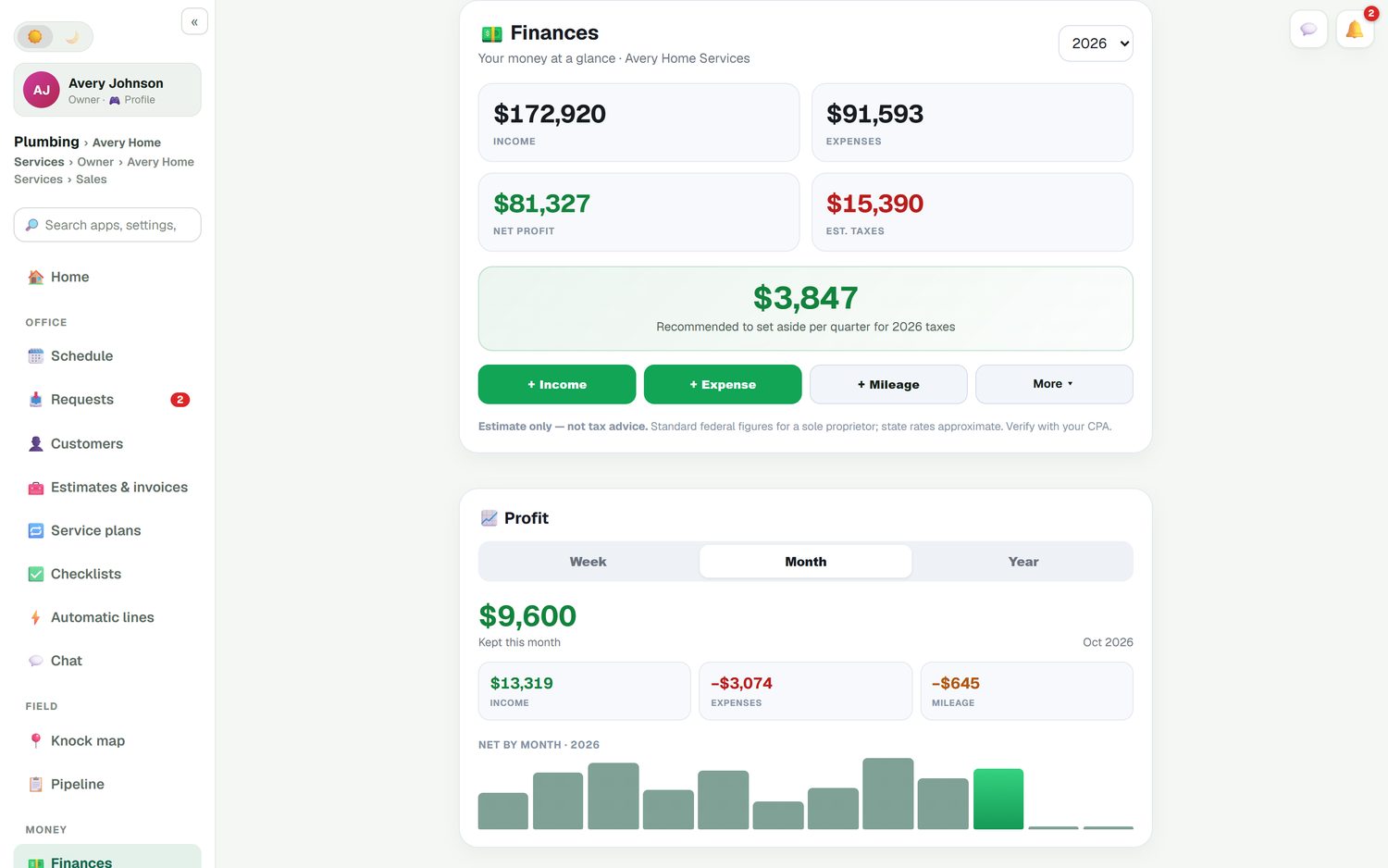
Export your accounts from the old system or spreadsheet and upload the CSV or Excel file. FieldStacker guesses which column is the CS number, the Alarm.com ID, the monthly price and the contract start, and shows you a preview before anything is saved. Duplicates are caught by central-station number first, then Alarm.com ID, then name and address. Every imported account comes in paused. When you have checked them, turn them all on at once.
- Preview before saving, with the column matches shown
- De-duplicated by CS number, Alarm.com ID, then name and address
- Imported paused, then "turn on all paused" when ready
- Customers and old jobs can come over too, imported free
Fewer "what am I paying for?" calls
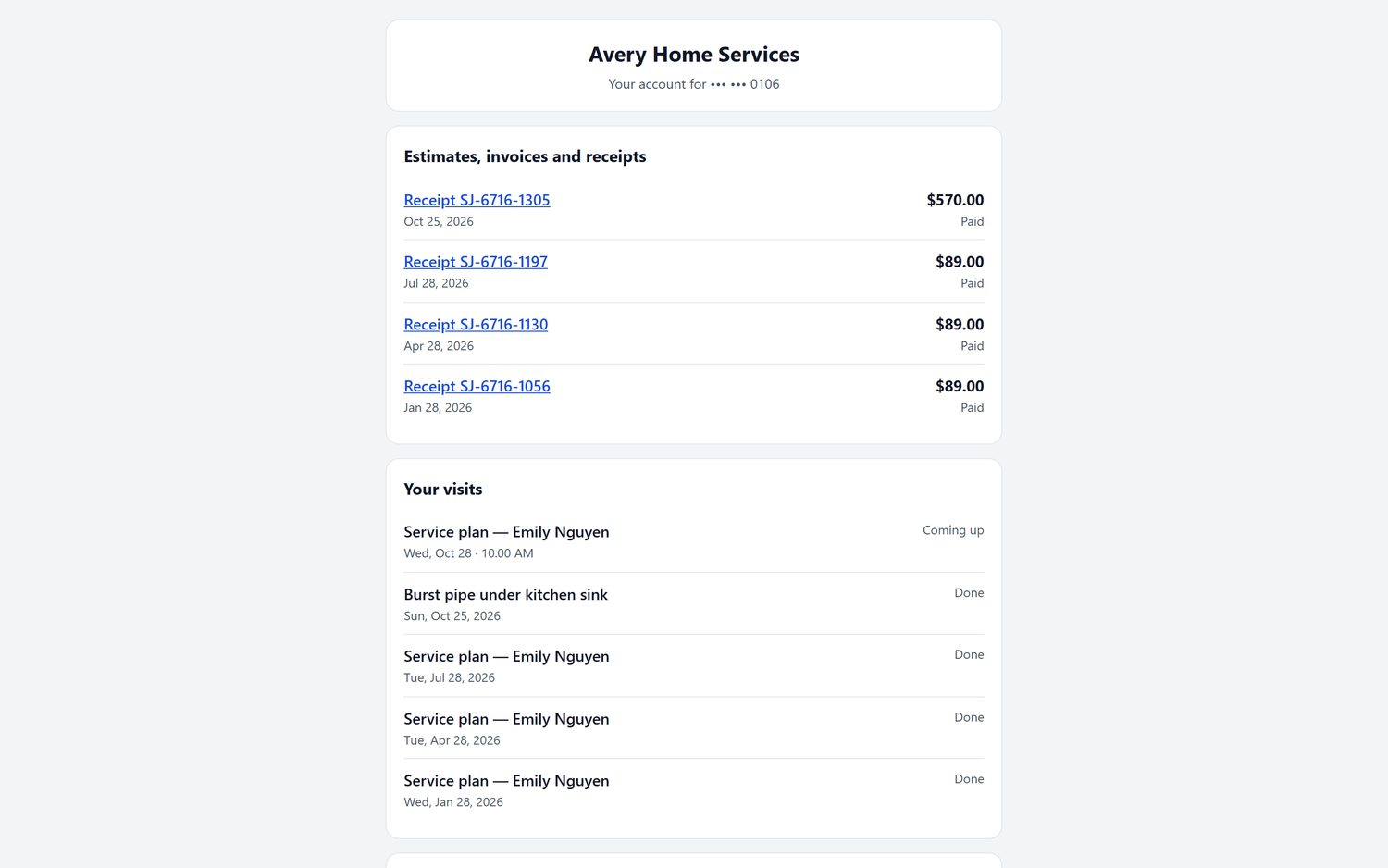
Each monitoring customer can sign in to their own portal. It shows the monthly lines, the next bill, the contract start and term, what happens when the term ends, the account numbers and the card on file. They can save a card for autopay or change the one they have, and pay any open invoice. When FieldStacker hosts your website, the portal runs on your own domain.
- Monthly lines, next bill and term on one page
- Save or change the autopay card without calling you
- Receipts and billing history
- Card payments through your own Stripe account, no FieldStacker fee
What it is not
So you know before you switch.
Not central-station software. FieldStacker does not receive alarm signals, dispatch police or fire, or integrate with central stations or the Alarm.com dealer site. You keep your monitoring center and pay them as you do today. FieldStacker stores their account number on each customer and bills the customer.
No proration yet. Each bill is the monthly price on the billing day. A partial first month goes on the first invoice as its own line.
One billing day per account, set from the contract start. There is not yet a separate billing day that differs from the contract day.
Everything else an alarm company runs, the package quotes, e-sign, installs and commissions, is on the alarm company software page. For recurring billing in other trades, see recurring billing software, and for the books, QuickBooks Online sync.
Monitoring billing questions
What is alarm company billing software?
It is the part of your system that bills recurring monitoring every month: the price per account, the add-ons, the contract term, the card on file and the invoice or charge on the billing day. FieldStacker does this with monitoring accounts that sit on the same customer as the original quote and install.
Does FieldStacker bill backwards for missed months?
No. The first bill on a new or imported account is always today or later, never a month that has already passed. If you change the price or the plan, the next bill moves to after the last invoice, so nobody is billed twice for the same month.
Can I store the central-station account number and Alarm.com ID?
Yes. Each monitoring account has fields for the central-station name and account number, the Alarm.com ID, the panel and your contract number. They show on the account and on the customer's own portal page, and imports use them to spot duplicates.
Does it connect to my central station?
No. FieldStacker is not central-station software and does not integrate with central stations or receive alarm signals. Your monitoring center keeps doing the monitoring; FieldStacker keeps the account, the agreement and the billing.
Can customers pay monitoring by autopay?
Yes. The customer saves a card on a secure page from your business, and each month's bill is charged to it through your own Stripe account at standard Stripe rates, with no FieldStacker fee on top. A receipt is emailed. If the card is declined, the invoice is emailed instead so they can pay it.
Can I import monitoring accounts from my old system?
Yes. Upload a CSV or Excel export, check the columns FieldStacker matched, and preview before anything is saved. Imported accounts come in paused, so nothing bills until you have checked them and switched them on.
Is monitoring billing on every alarm account?
Monitoring accounts are switched on per business. Start your free trial with the alarm setup, then message us from the app and we turn monitoring billing on for your company.
Does it prorate a partial month?
Not today. Each bill is the monthly price on the billing day, counted from the contract start. If you need to charge a partial first month, add it as a line on the first invoice.
Related: alarm company software · alarm quoting · install techs · recurring billing · QuickBooks Online · pricing
Bill next month's monitoring from FieldStacker
14-day free trial, no credit card. Import your accounts paused, check them, then switch them on.