Appliance repair business management software for the two-trip job
Book the diagnostic, dispatch the right tech, track the part that wasn't on the truck, schedule the go-back and get paid on site. Every repair on one customer record.
14-day free trial · no credit card · from $30/mo · your techs are free
The appliance repair day has a shape of its own. A customer calls with "the dryer runs but won't heat." You book a diagnostic with a service-call fee. The tech finds a blown thermal fuse and a worn heating element, has the fuse on the truck but not the element, and now there is a part to order and a second trip to book. Meanwhile three more calls came in, one of them a fridge that stopped cooling with a full freezer. The software has to keep up with that: fast booking, a board you can rearrange in seconds, and a clear record of what was found, what was used and what is still owed.
What an appliance repair shop gets
From the first call to the paid invoice, without separate apps for each step.
Requests and online booking
A request page for your website and Google profile, or online booking with your real open times and the next available tech.
Dispatch board
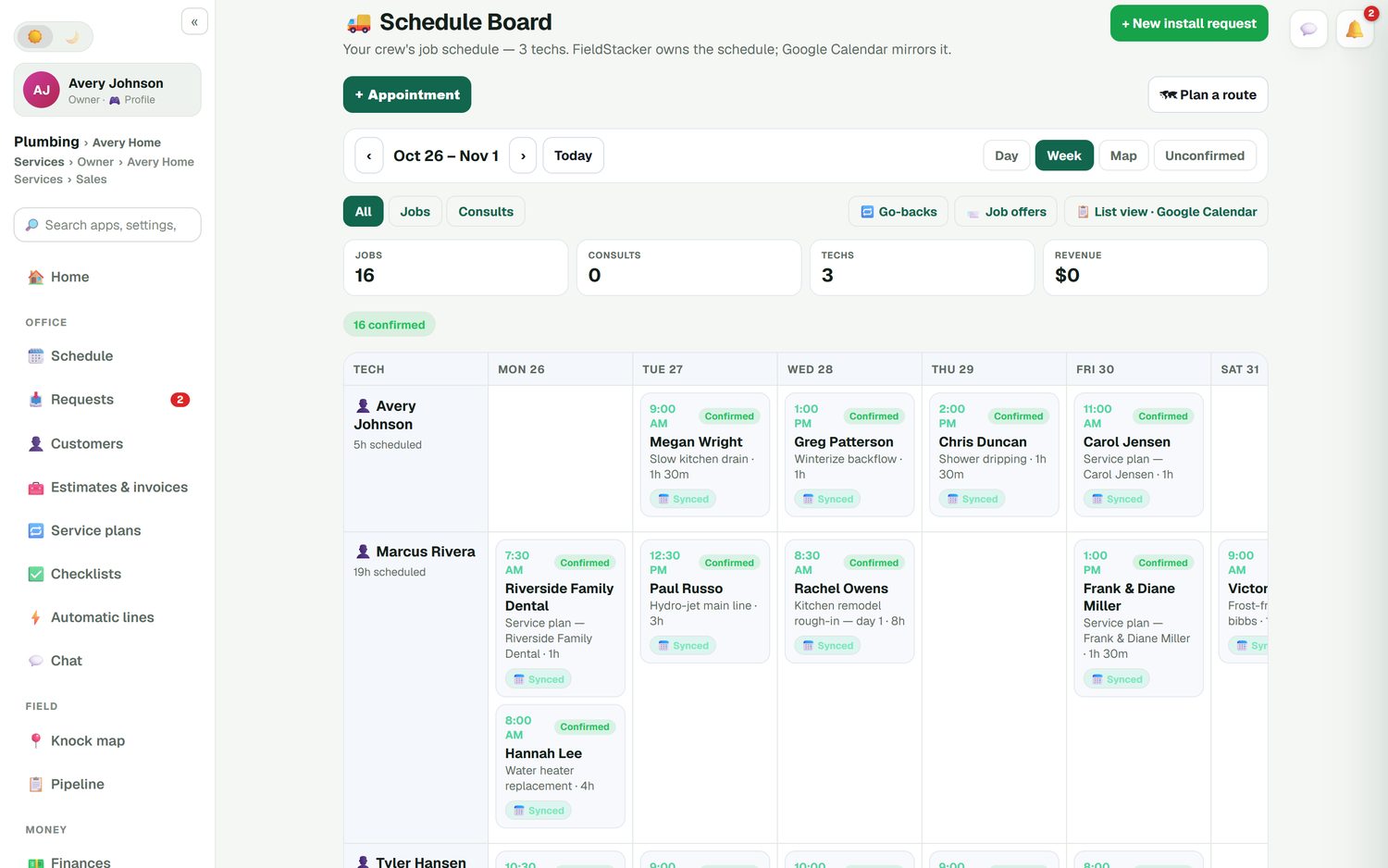
Techs down the side, days across the top, Day, Week and Map views. Drag a call to another tech when the day changes.
Work orders with photos
The complaint, model and serial in the job notes, photos of the rating plate and the failed part, and a checklist the tech ticks.
Parts on each truck
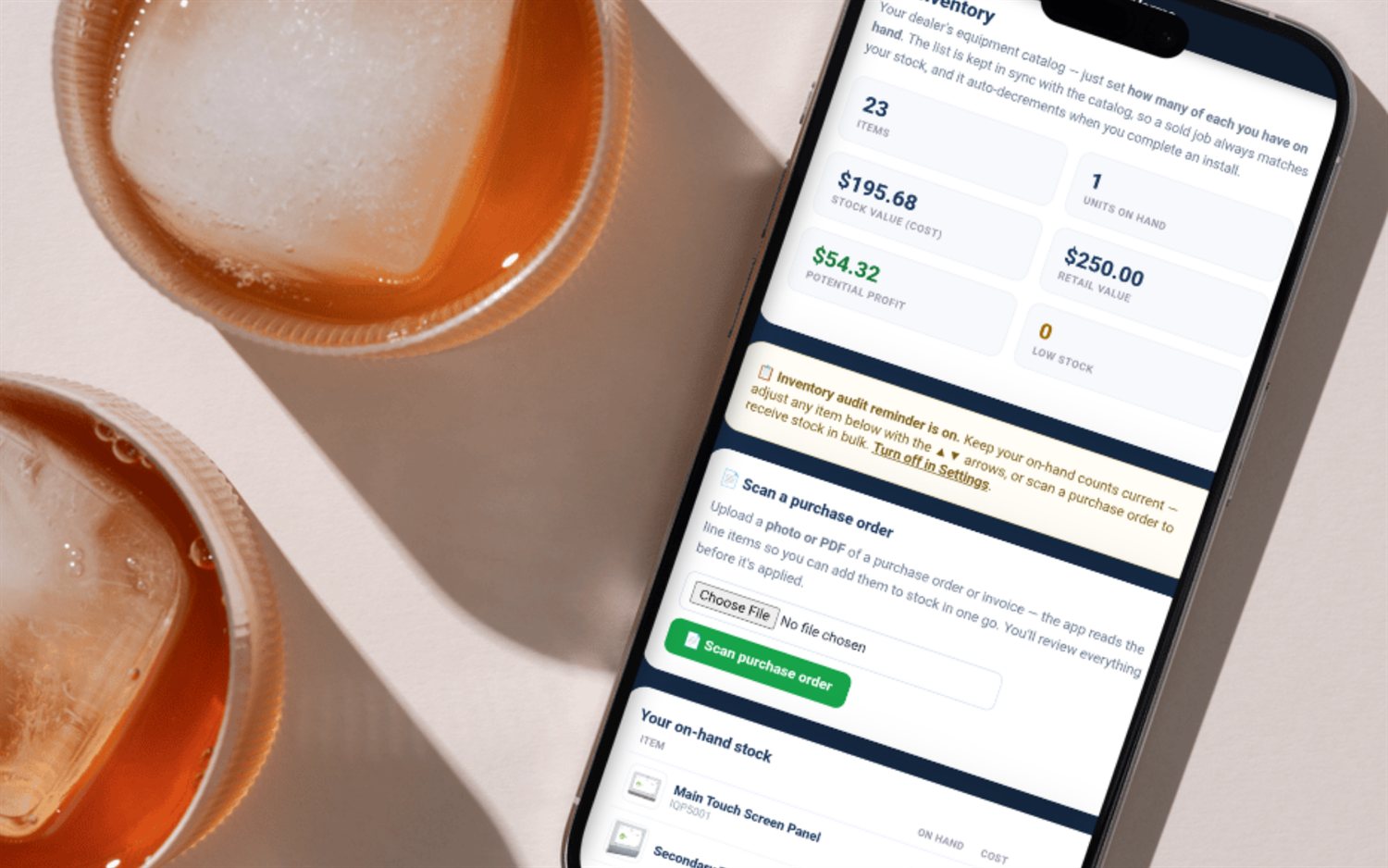
Each tech carries their own stock count. Completing a job takes the parts used off their truck.
Go-backs for ordered parts
Set a go-back when the part is on order, so the second trip is on the board and nothing falls through.
Paid on site
Turn the job into an invoice and take a card before the tech leaves, or send it and let reminders chase it.
Dispatch your appliance repair calls in FieldStacker free for 14 days
Bring your customer list over from your old app. We import your customers and jobs for free.
- No credit card to start
- From $30/mo after the trial
- Your techs and cleaners are free
- Cancel any time from the app
Appliance repair dispatch software for a busy board
Appliance calls rarely arrive in a tidy order. The schedule board puts every tech in a row and every day in a column, so you see at a glance who has room for the no-cooling call. Drag a job to another tech or day and the customer's calendar invite moves too. Mark calls confirmed or unconfirmed, send a job offer to a tech who has room, and switch to the Map view to see where everyone is booked. FieldStacker owns the schedule and Google Calendar mirrors it.
- Day routes in the best driving order, with arrival times updated
- "On my way" texts with an ETA and a live tracking link (texting add-on)
- Opt-in team GPS map, off by default
- Go-backs and job offers right on the board
Appliance repair work order software that knows the truck
Each job is the work order. The tech opens it on their phone, reads the complaint and your notes, adds the brand, model and serial to the job notes, and photographs the rating plate and the failed part. Write checklist templates for the jobs you see most, like a dryer no-heat or a dishwasher that won't drain, and the tech ticks the steps as they go. Every tech carries their own stock of fuses, igniters, belts and door gaskets, and completing the job takes the parts used off their count, so you know what to restock before tomorrow.
- Job notes and photos saved on the customer for the next visit
- Checklist templates per kind of job, always optional
- Per-tech stock that drops as parts are used
- Multi-day jobs when a repair runs over
The diagnostic, the repair and what you made
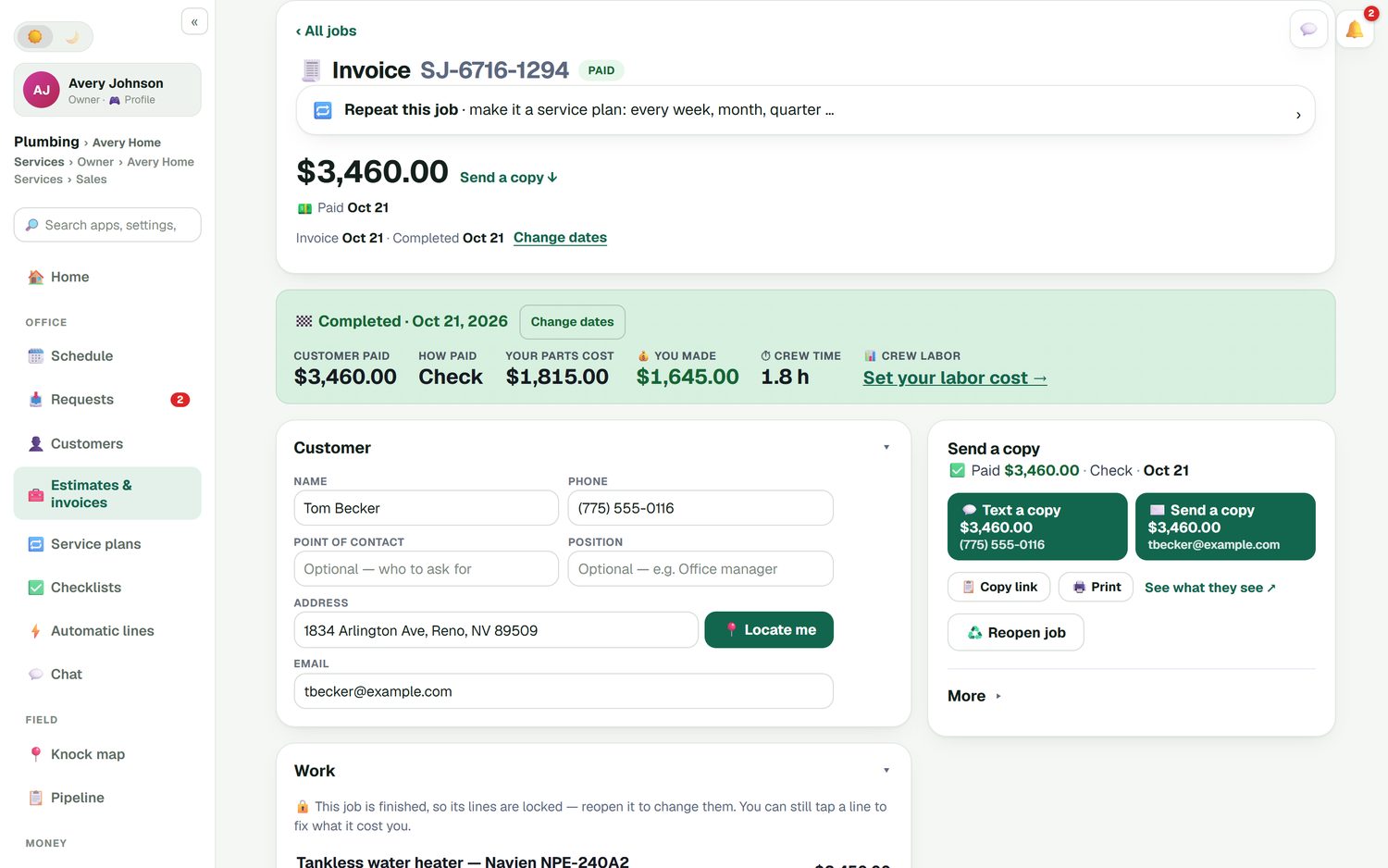
Put your service-call fee, labor rates and common parts in your own price list. On a repair estimate, automatic lines add the labor that goes with a part, and the customer can tick optional add-ons such as a dryer vent cleaning while you are there. Take a deposit by card before you order an expensive control board. When the job is done, the invoice shows what the customer paid, what the parts cost you and what you made, so you can see which repairs are worth the trip.
- Card payments through your own Stripe account, no FieldStacker fee
- Cash, check, Cash App, Venmo or Zelle recorded in one tap
- Unpaid-invoice reminders and estimate follow-ups
- Invoices and payments synced to QuickBooks Online
A CRM for appliance repair customers
The customer who called about the dryer will call about the washer next year.
Full history
Every visit, note, photo, estimate and invoice on the customer, so the next tech knows what was replaced last time.
Yearly maintenance
Service plans for dryer vent cleaning or fridge coil cleaning, on the calendar every year with autopay if they want it.
Reviews after payment
An automatic thank-you after the invoice is paid, with a review request. Switch it on, off or edit the words.
Customer portal
Customers pay invoices, see estimates, receipts and visits, and reschedule a booking on their own.
What it does not do: look up parts from distributors, or file claims with home warranty companies and manufacturers. Record warranty work as a job and invoice the warranty company as the customer.
Appliance repair questions
What is appliance repair business management software?
It runs the repair shop outside the repair itself: taking the call, booking the diagnostic, dispatching the tech, tracking the part and the second trip, invoicing, and keeping each customer's history. FieldStacker does that from one app on your phone and desktop, starting at $30/mo.
Is there appliance repair dispatch software for a small shop?
Yes. FieldStacker's schedule board shows every tech down the side and the days across the top, with Day, Week and Map views. Drag a call to another tech or day, send job offers, and put a tech's day in driving order. Techs you add are free, so a three-truck shop does not pay per tech.
Can I use it as a CRM for appliance repair?
Yes. Every customer keeps their full history: each visit, the notes and photos, estimates, invoices and payments. Service plans bring back yearly maintenance like dryer vent cleaning, and an automatic thank-you after payment asks for a review.
Does it work as appliance repair work order software?
Yes. Each job is the work order: the complaint, the appliance details in the job notes, photos of the rating plate and the failed part, a checklist your tech ticks, the parts used from their truck stock, and the time on site. When it is done it becomes the invoice.
How does it handle a part that is not on the truck?
Quote the repair with the part, take a deposit by card if you want one, and set a go-back for when the part arrives. The second visit sits on the schedule under the same customer, and the parts come off the tech's stock when the job is completed.
Does it connect to parts distributors or home warranty companies?
No. FieldStacker does not look up parts from distributors or file claims with home warranty companies or manufacturers. You can record warranty jobs and invoice the warranty company as the customer, and connect other tools through Zapier, Make, webhooks or the API.
Related: dispatch software · work order software · technician scheduling · routing · QuickBooks Online · handyman software · pricing
Run tomorrow's repair calls from one board
14-day free trial, no credit card. Add your techs free and dispatch your first call today.